Everything in v1.2.3
Every feature, with a picture of it.
Not a list of adjectives. Each section below is a photograph of the shipping build, taken from a real file — so what you see is what the app does.
AI transcripts
Exported AI conversations, read like a document.
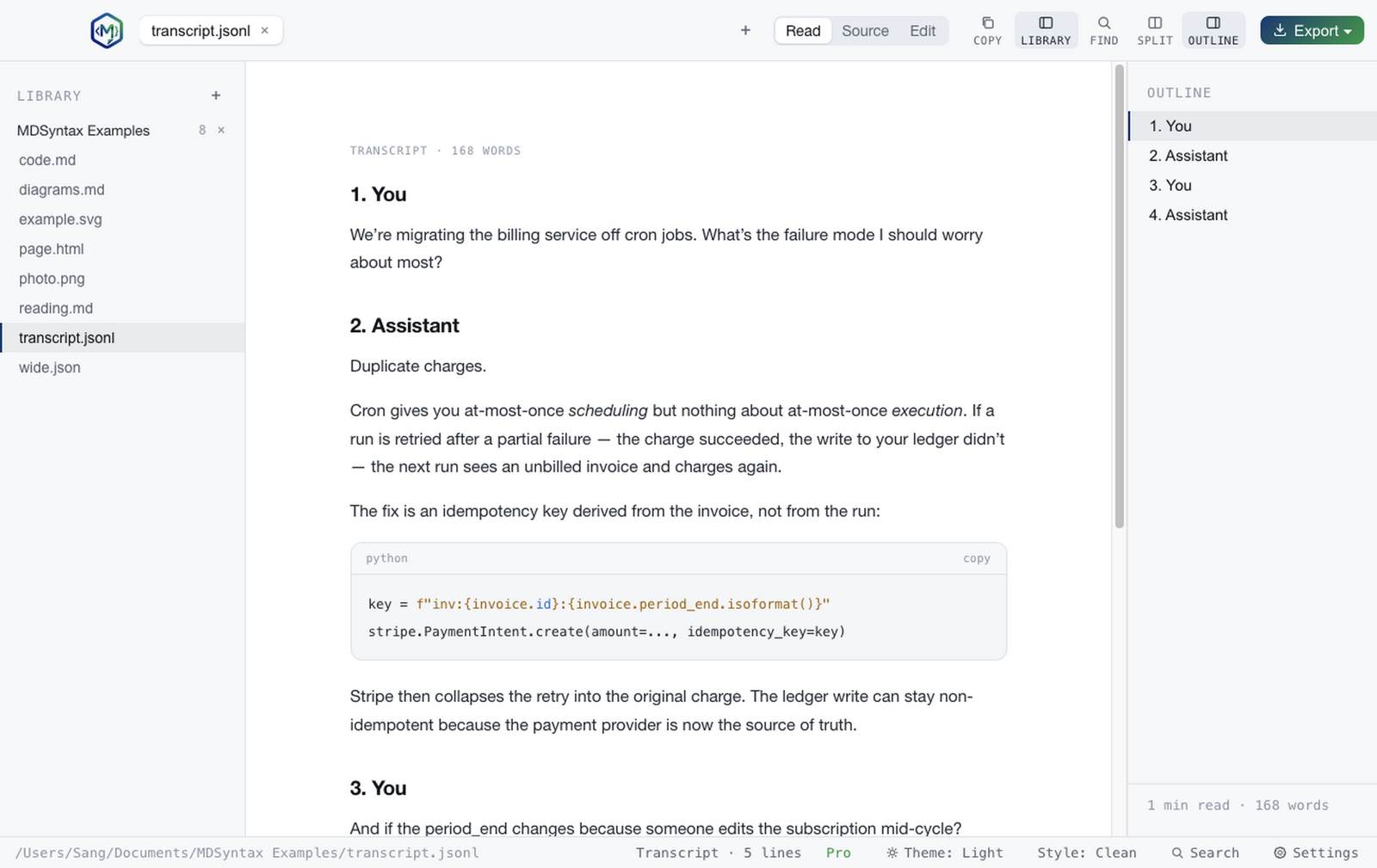
Drop in a .jsonl from Claude Code, a ChatGPT account export, or an OpenAI-style request body. MDSyntax normalises whichever shape it is into numbered turns, renders each message as Markdown — code fences, tables and all — and puts the turns in the outline so you can jump between them. Five vendor formats are recognised; anything unrecognised falls back to plain JSON rather than failing.
Reading
Two typographic modes, seven themes.
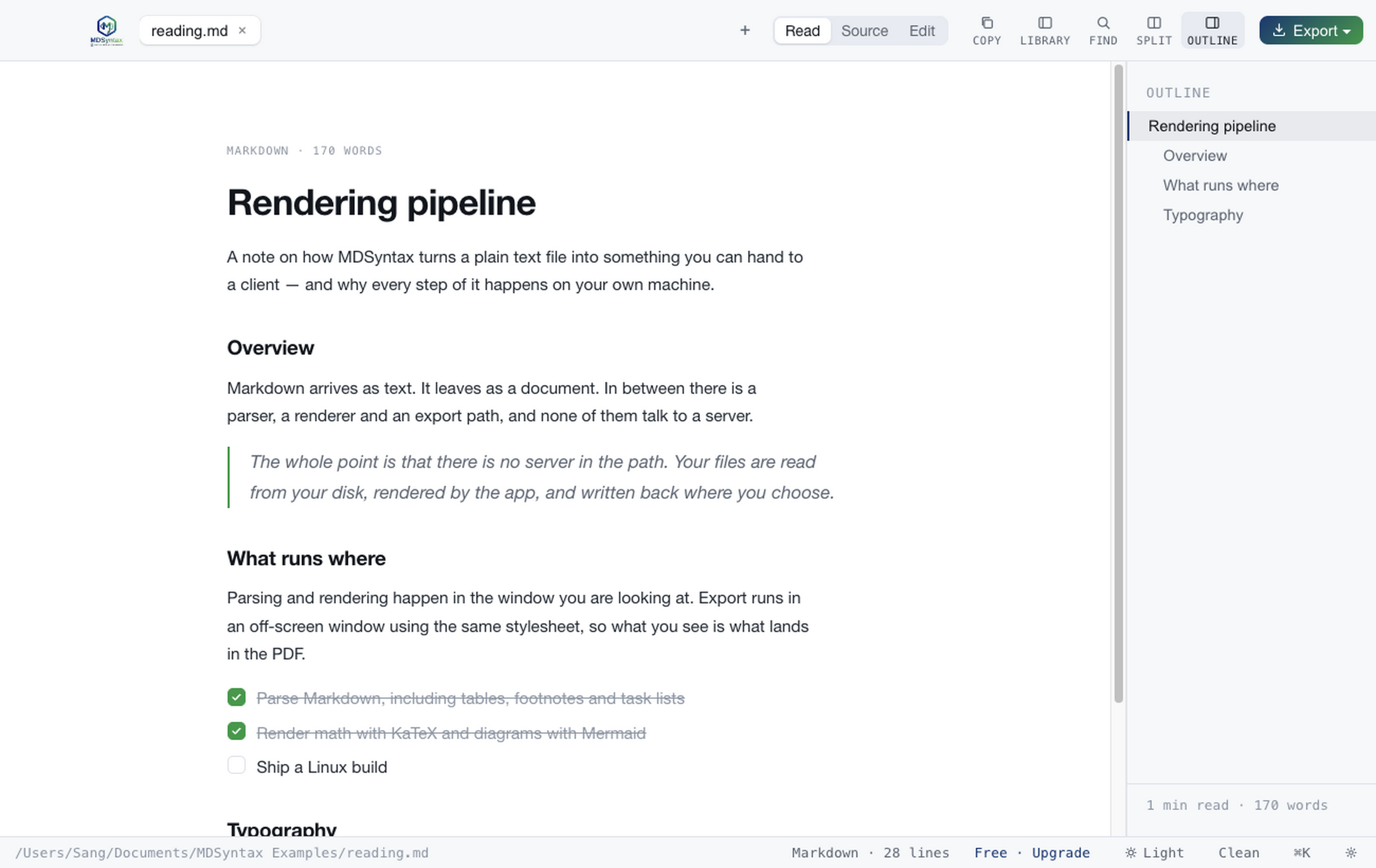
Clean sets the document in Helvetica at a 700px measure. Editorial puts it on a paper card in Georgia, with section headings as uppercase eyebrows. Text size scales both. Themes are Light, Dark, Sepia, High contrast, Solarized Light, Solarized Dark and Nord — chosen from swatches that show the actual palette, not a dropdown of names.
Editing
A real editor, and a Save that means something.
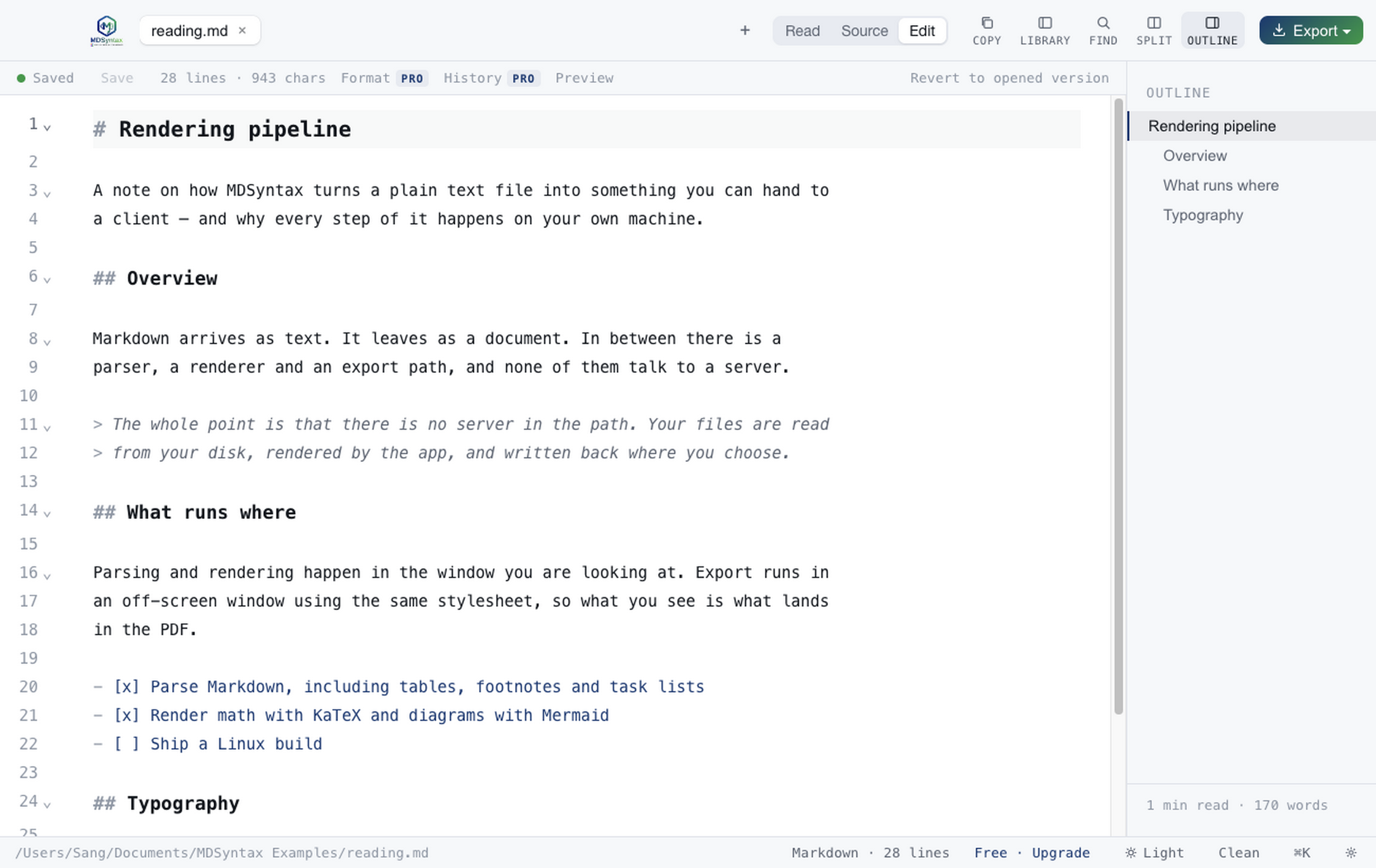
CodeMirror underneath: multi-cursor, bracket matching, fold gutters, undo history. Lines that differ from what is on disk are shaded, so you can see your unsaved work at a glance. Autosave writes a draft to app data — never to your file — so the document on disk stays the version you last chose to save.
Diagrams & maths
Mermaid, GraphViz and KaTeX, rendered inline.
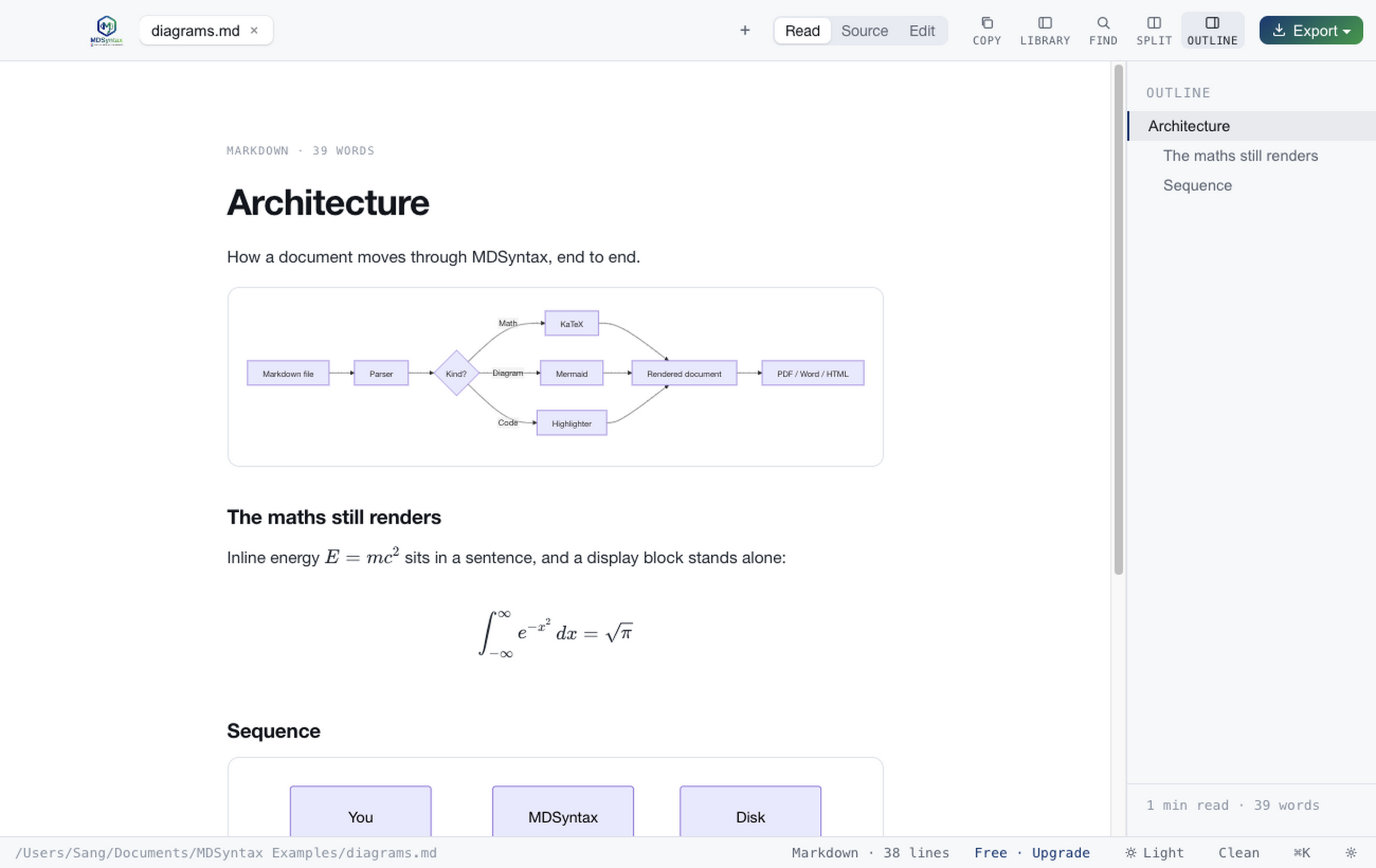
A mermaid fence becomes a diagram, a dot fence becomes a GraphViz graph, and $…$ or $$…$$ becomes typeset maths. All three render locally in the window you are looking at — no service round-trip, and no image to regenerate when the source changes. A bare $5 stays currency.
Source
183 languages, 348 extensions.
Code files open in a source view with a locked gutter and highlighting for close to two hundred languages. Long lines soft-wrap at the window edge — the line numbers stay aligned with their lines as they fold — or scroll sideways if you turn wrapping off.
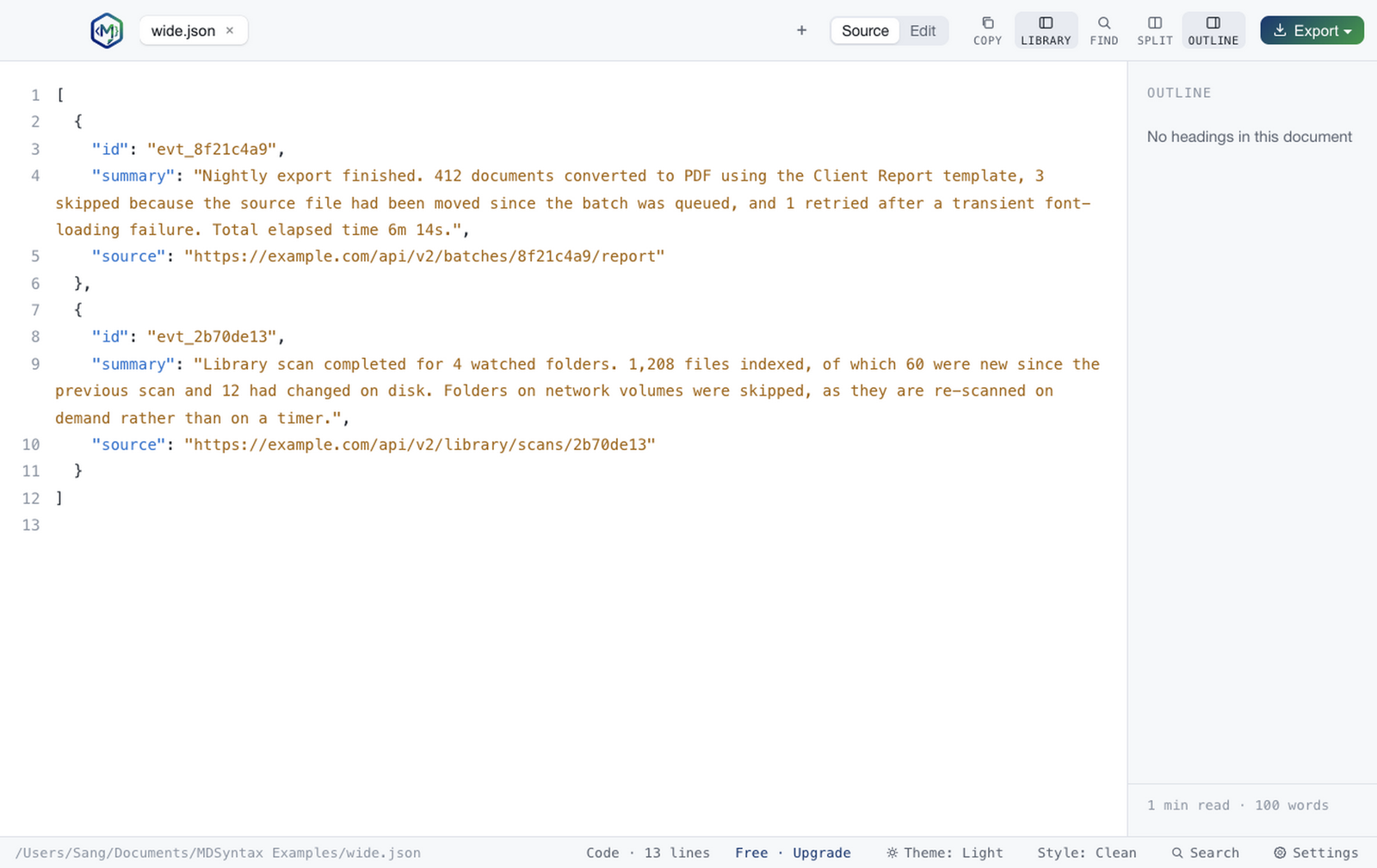
HTML
Preview a page without trusting it.
HTML files render in a sandboxed frame with a provenance strip above them, so you can look at a downloaded page, an email template or a build artefact without giving it access to your filesystem. Scripts run inside the sandbox; nothing else does.
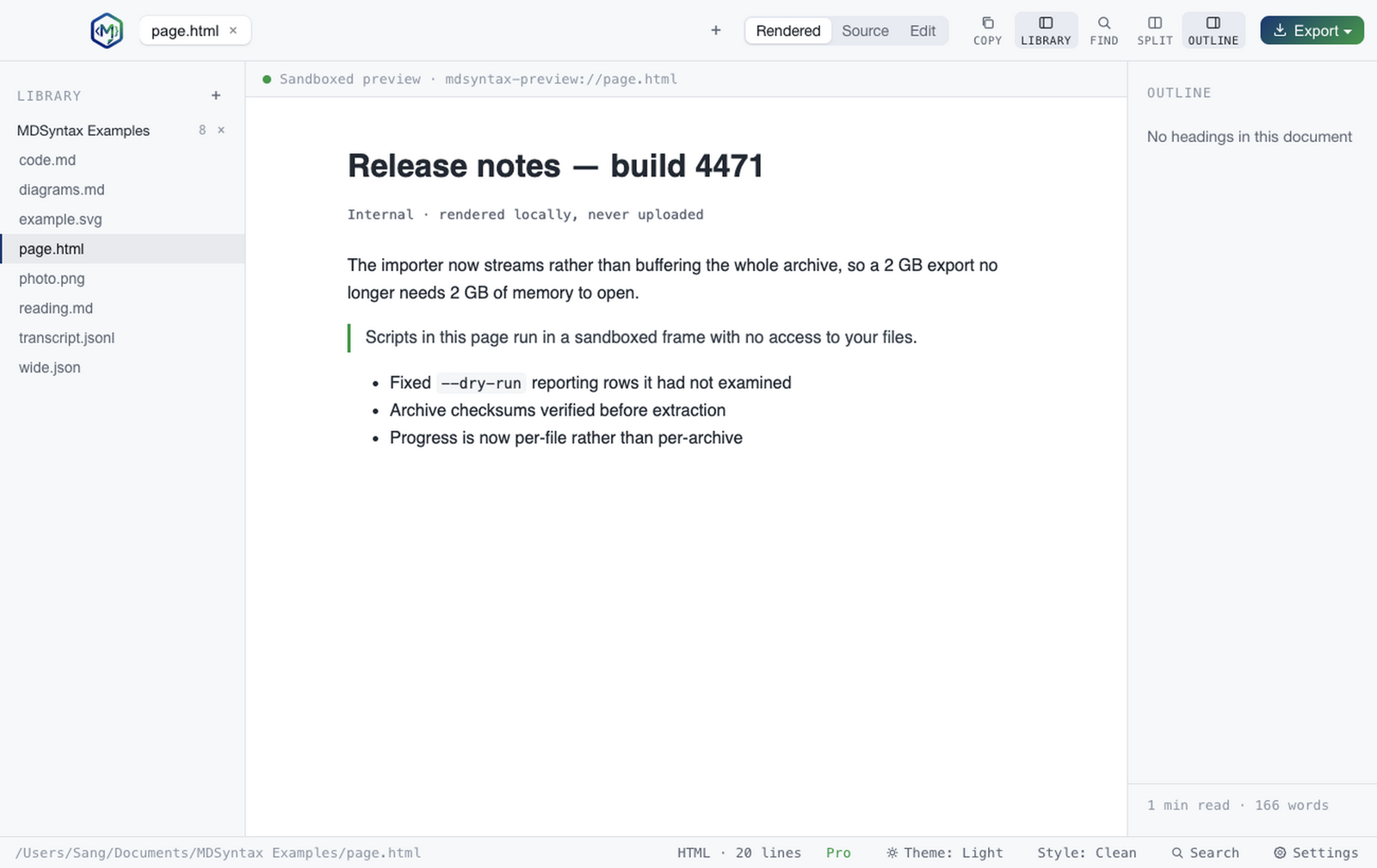
SVG
Vector art at any zoom, with its real dimensions.
SVGs render as vectors rather than a rasterised thumbnail, and the strip above reads the width and height — or the viewBox when they are absent — straight out of the file root. Useful when you are checking an icon someone sent you rather than opening a design tool.
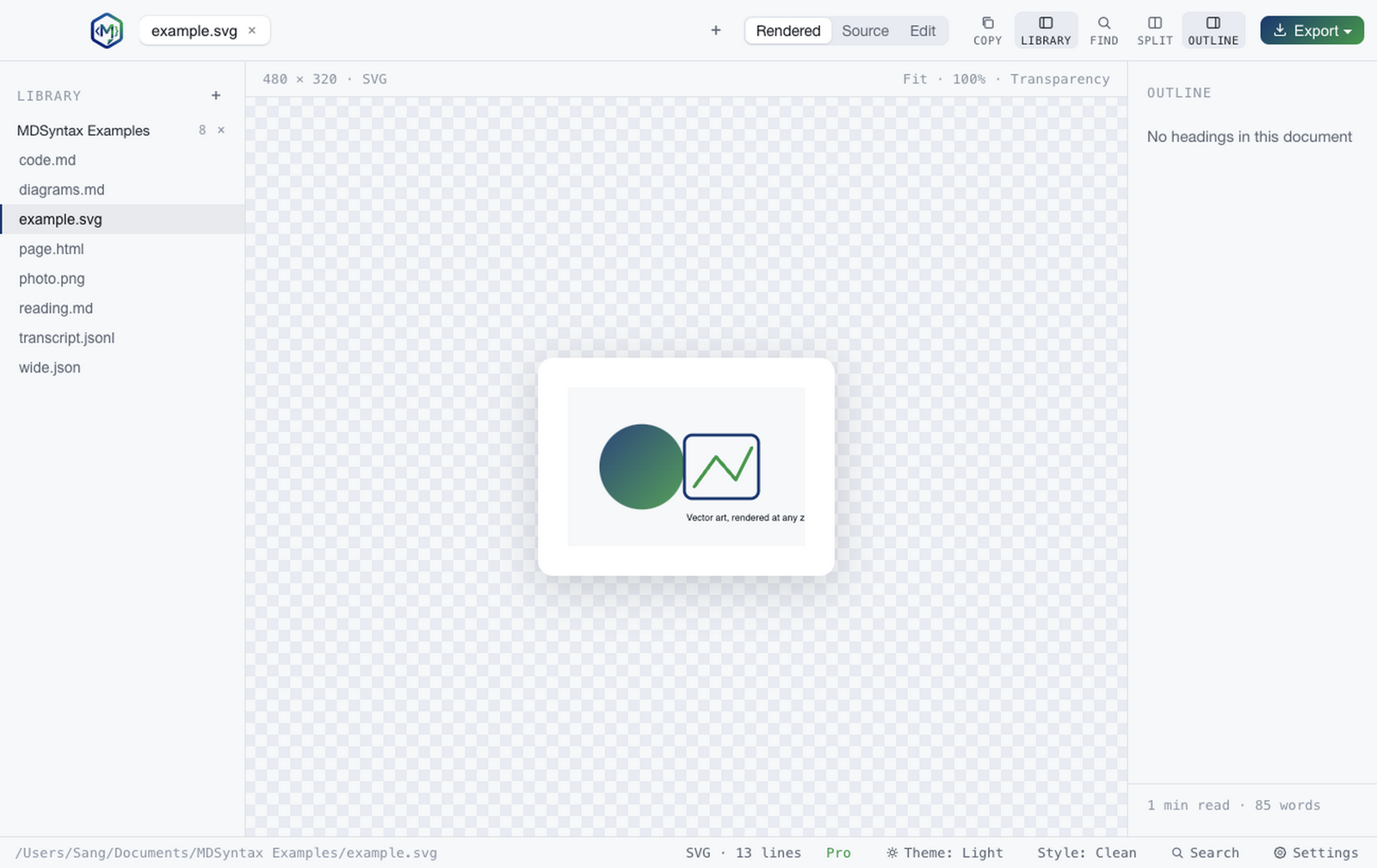
Images
PNG, JPEG, GIF, WebP, AVIF and more.
Images open in the same window as everything else, so a folder of mixed content is one app rather than three. You can annotate one with arrows and boxes, or put two side by side — or stacked — to compare a before and after.
Command palette
Everything, one keystroke away.
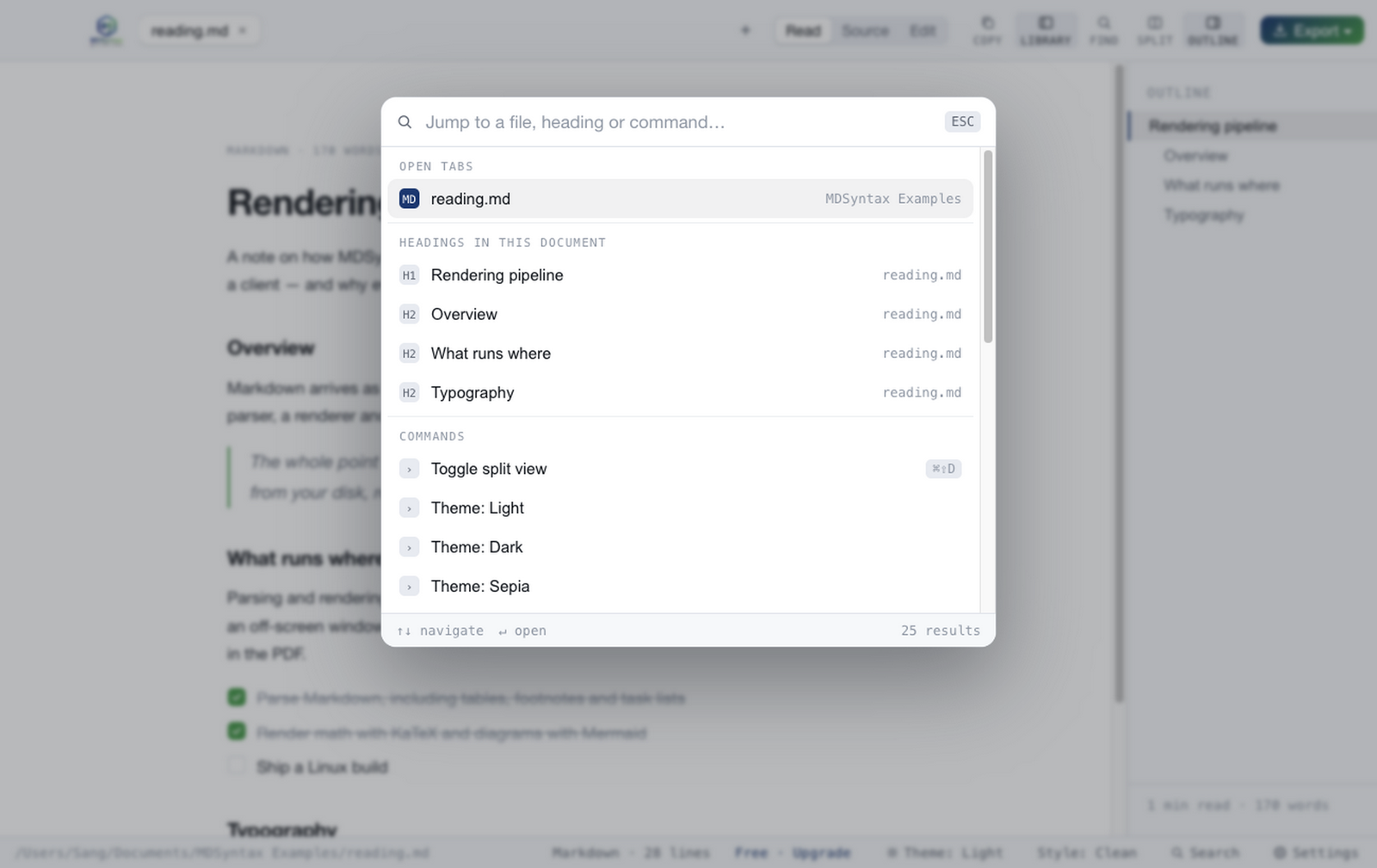
⌘K opens a grouped list: open tabs, recent files, every heading in the document, and every command — each section labelled, and each command showing its real shortcut. Type to narrow across all of them at once.
Split view
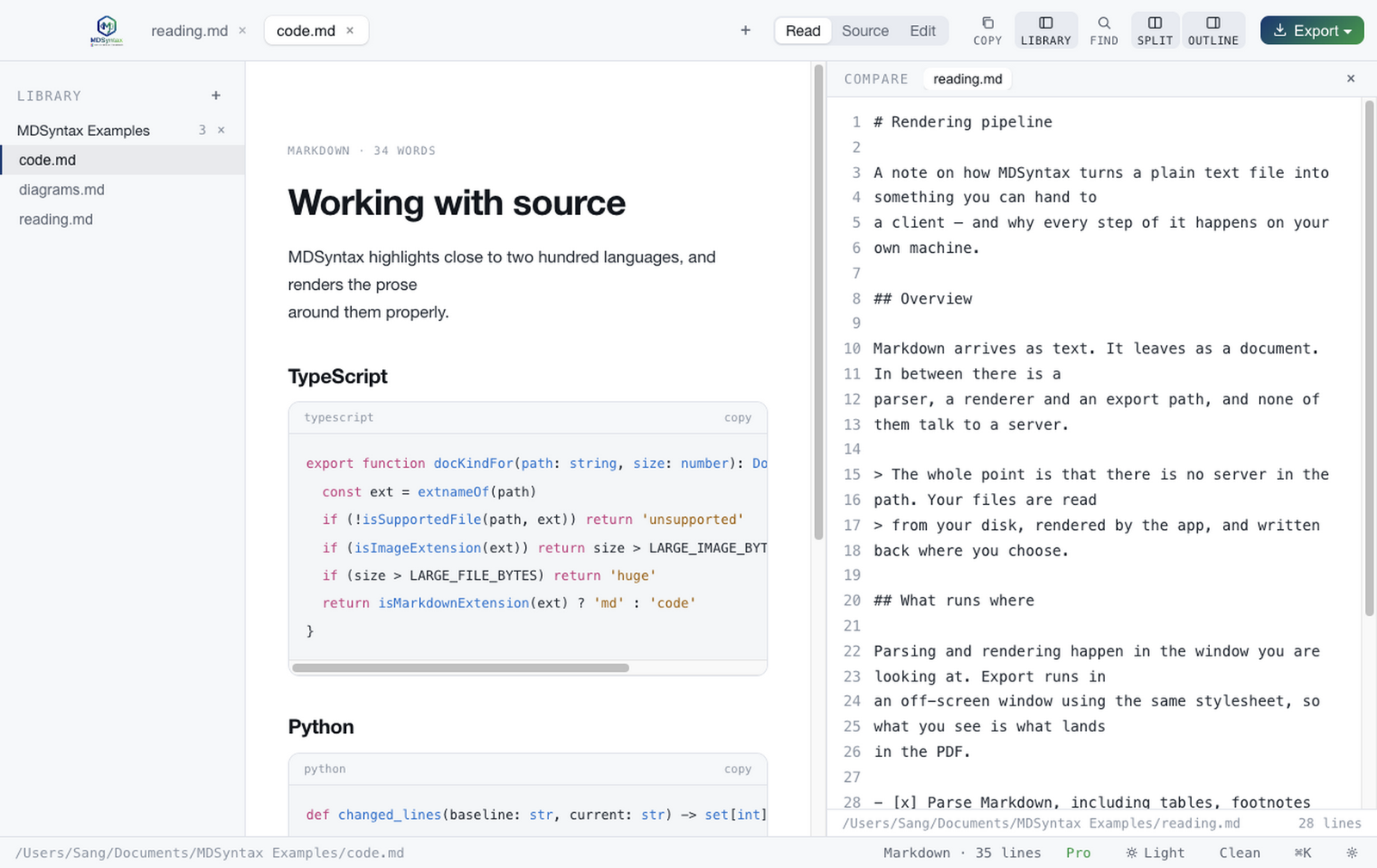
Two documents, side by side.
Compare a draft against its predecessor, or read a spec beside the code that implements it. Find searches the compare pane too, rather than silently ignoring the document sitting right next to you.
FindPro
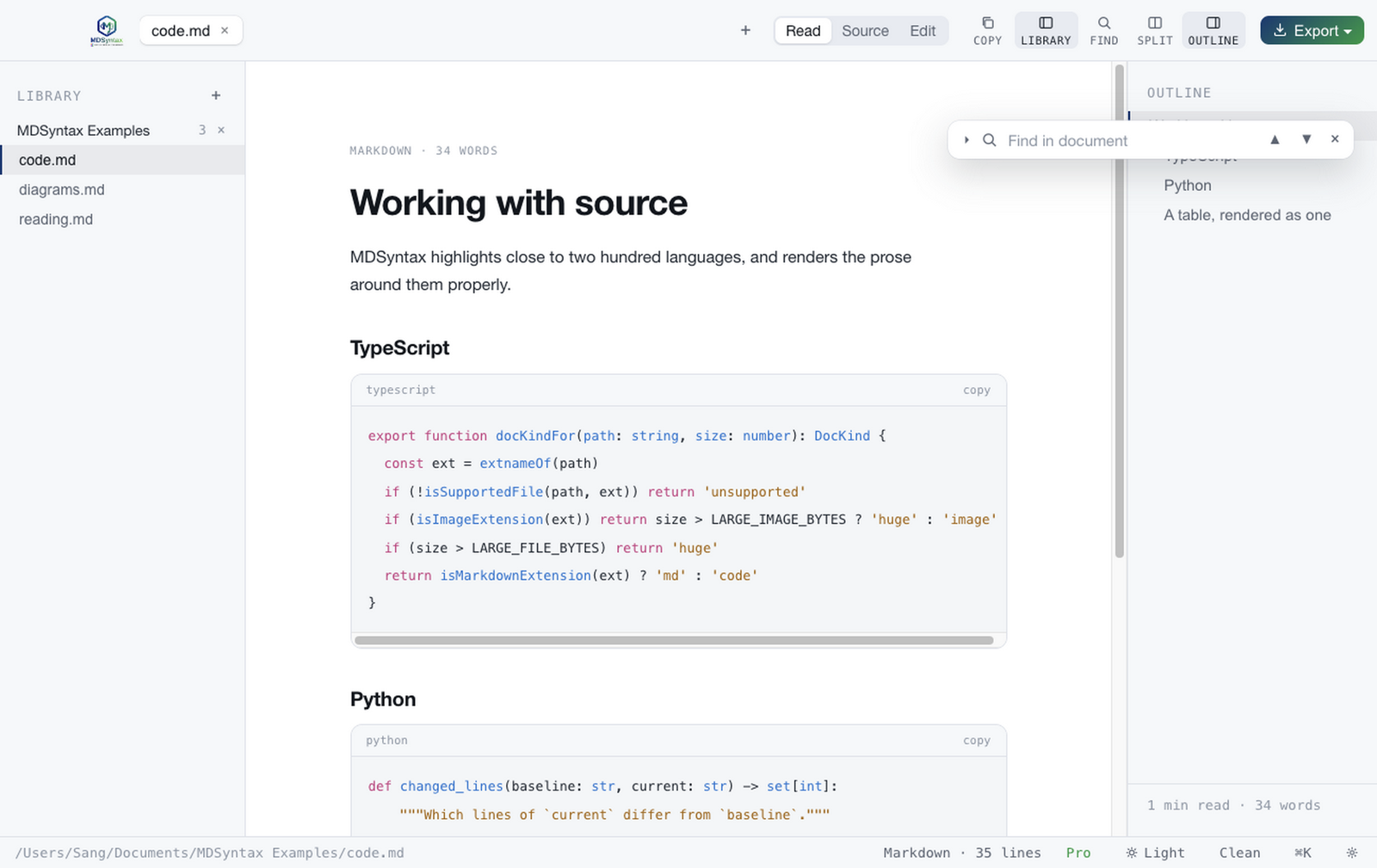
This file, or every open file at once.
Find in the current document is free, with a live match count and next/previous stepping. Searching across every open file, and replacing all matches in the open document, are Pro.
LibraryPro
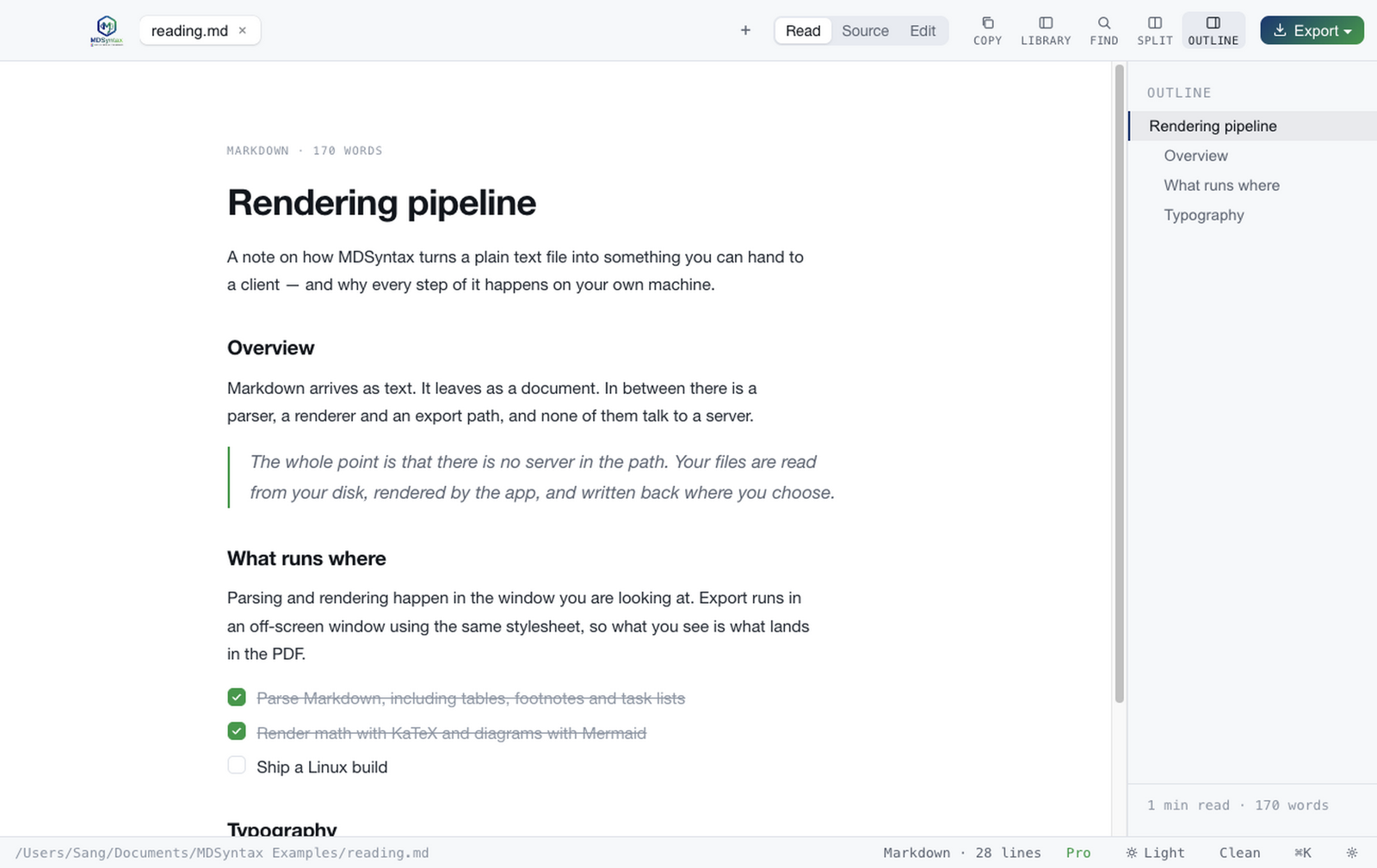
Point it at a folder, keep it there.
Watch a repository's docs directory and every supported file in it is one click away in the sidebar, re-read from disk each time rather than cached into staleness. Add as many folders as you like.
Version historyPro
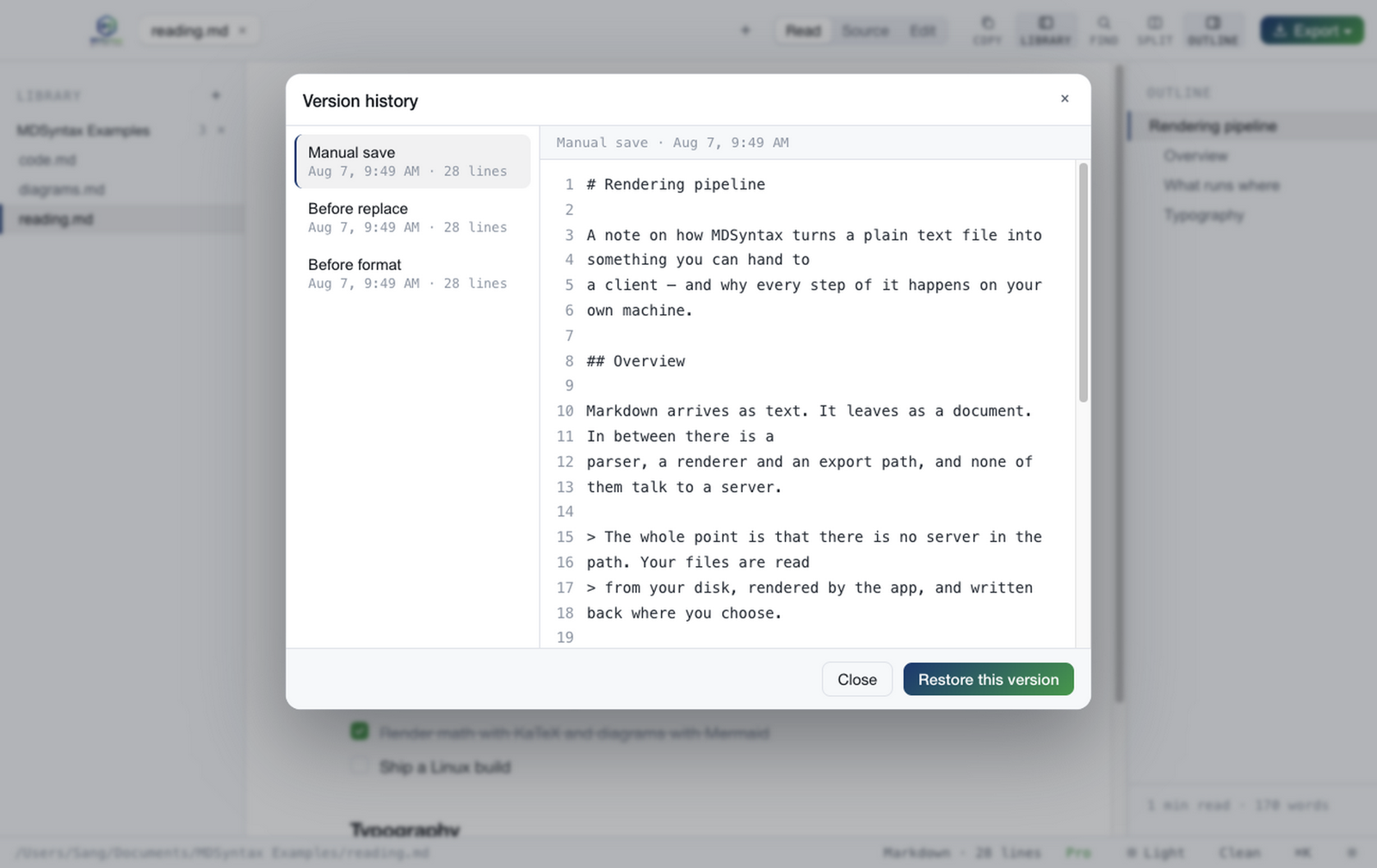
Snapshots you did not have to remember to take.
A snapshot is written on every manual save, before a format and before a replace-all, each labelled with why it exists. Restore any of them. They can live in app data, or in .mdsyntax/ beside the document so they travel with it through iCloud, Drive or Git.
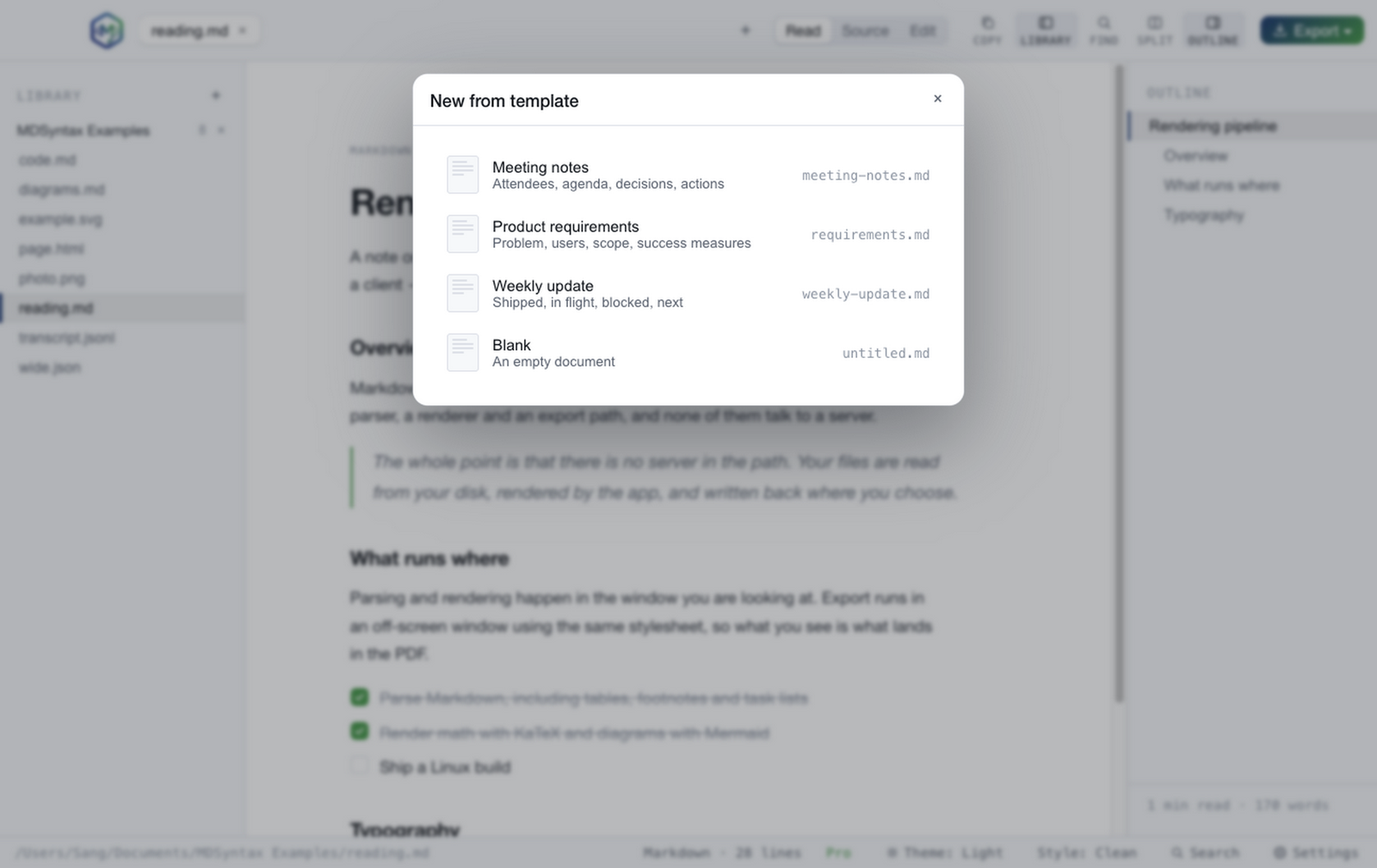
Export templatesPro
Output that looks like it came from you.
Letterhead, report with a cover page, or compact — with your organisation name, accent colour, brand bar, running head and footer. Edit the built-ins or write your own. Plain export stays free; the branded templates are Pro.
Export
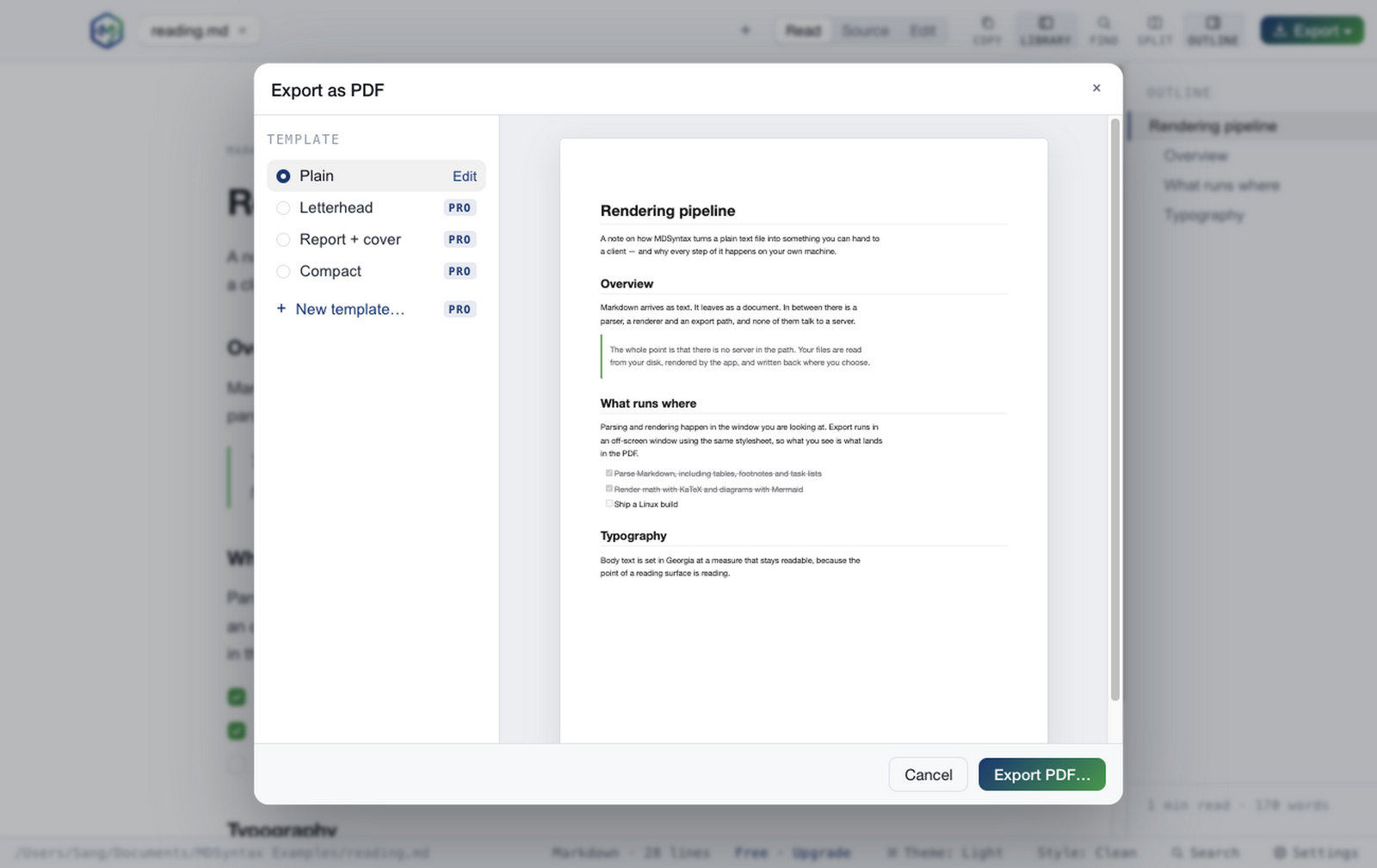
What you see is what gets exported.
The preview is the document itself, built by the same function that hands the HTML to the PDF renderer — so it cannot drift from the result. Switch template and the page redraws with it. PDF, Word, HTML, image and rich-text copy are all free; the branded templates are Pro.
Batch exportPro
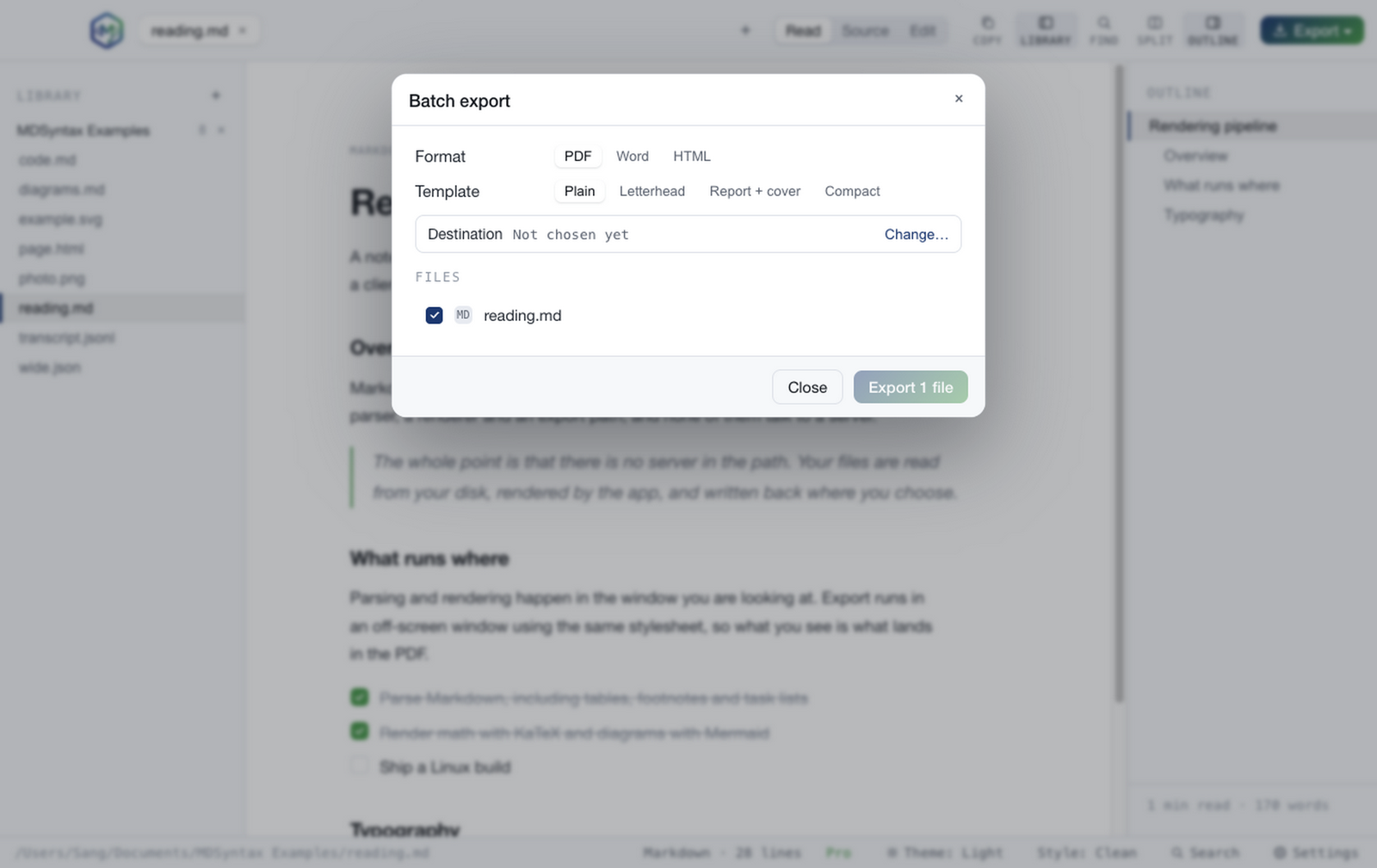
A folder of documents in one pass.
Choose a destination, choose PDF, Word or HTML, and every open document is converted with per-file progress and a report of anything that failed. The thing that turns an afternoon of File → Export into one click.
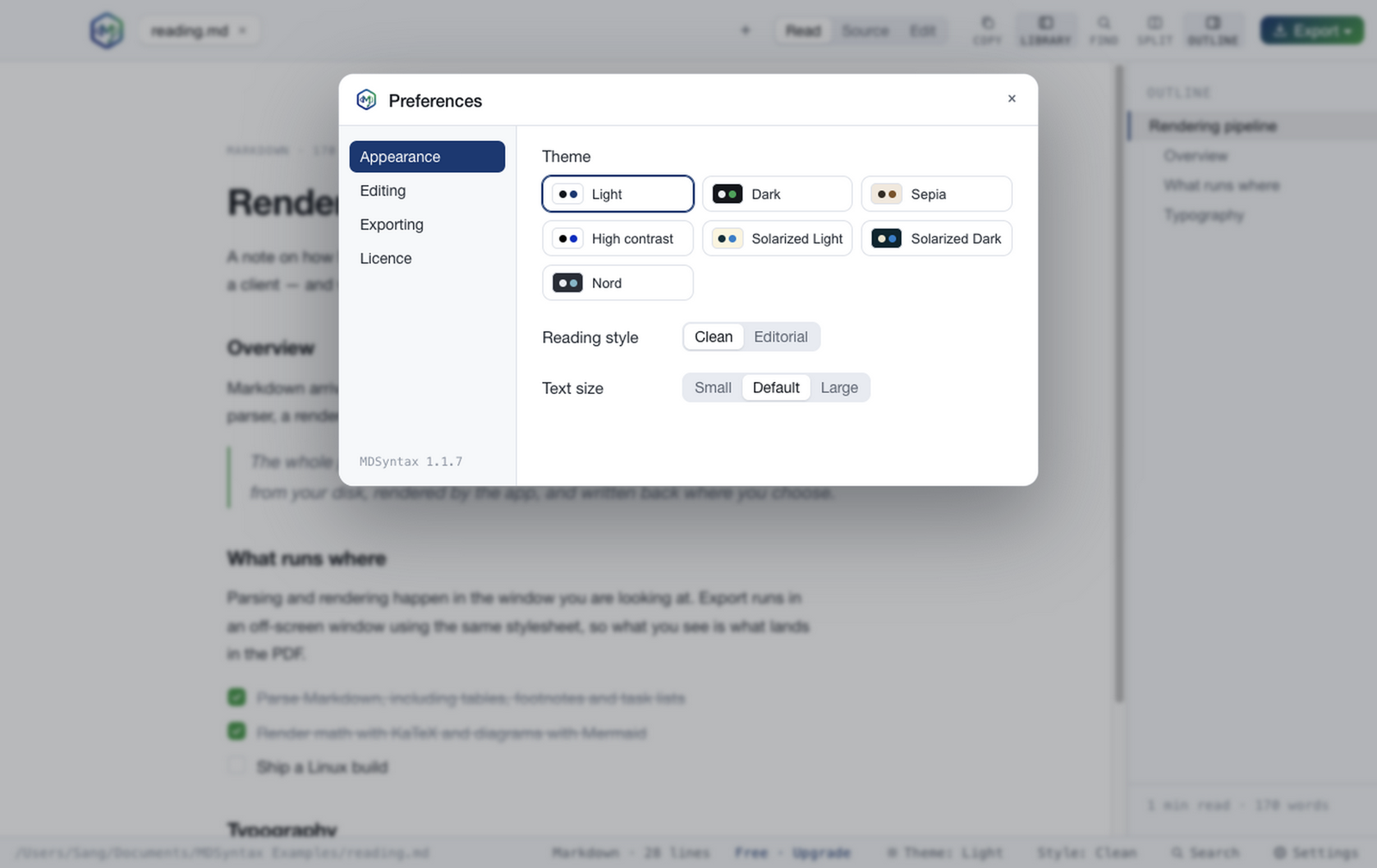
Preferences
Short panes, plain language.
Appearance, Editing, Exporting and Licence — four panes, each short enough to read without scrolling, and every setting followed by a sentence saying what it actually changes. The version number sits in the sidebar, visible from every pane.
Free to read and edit. Pro is a one-time $29.
Reading, editing, saving and single-document export never expire and never nag. The production tools — batch export, templates, the library and version history — are the paid half.