Sample files

Something to open.

A dozen documents that between them exercise everything MDSyntax renders — Markdown, math, diagrams, code, config, HTML, SVG, images and exported AI transcripts. Take the pack, open any file, and judge the app on real content rather than a welcome screen.

Permanent URL · mdsyntax.com/samples · Last updated 17 August 2026

The whole pack

Sixteen files, 78 KB zipped. Unzip anywhere and open any file with MDSyntax — or drag the folder onto the window.

Download .zip

Or one at a time

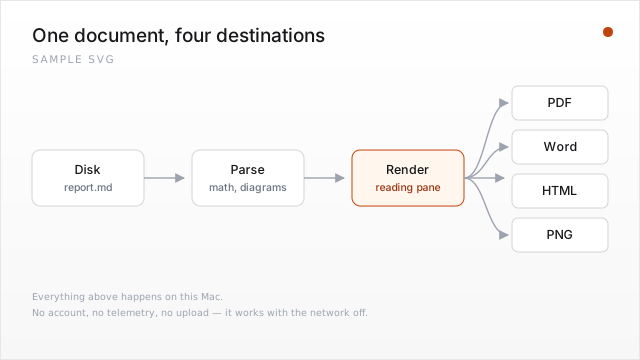
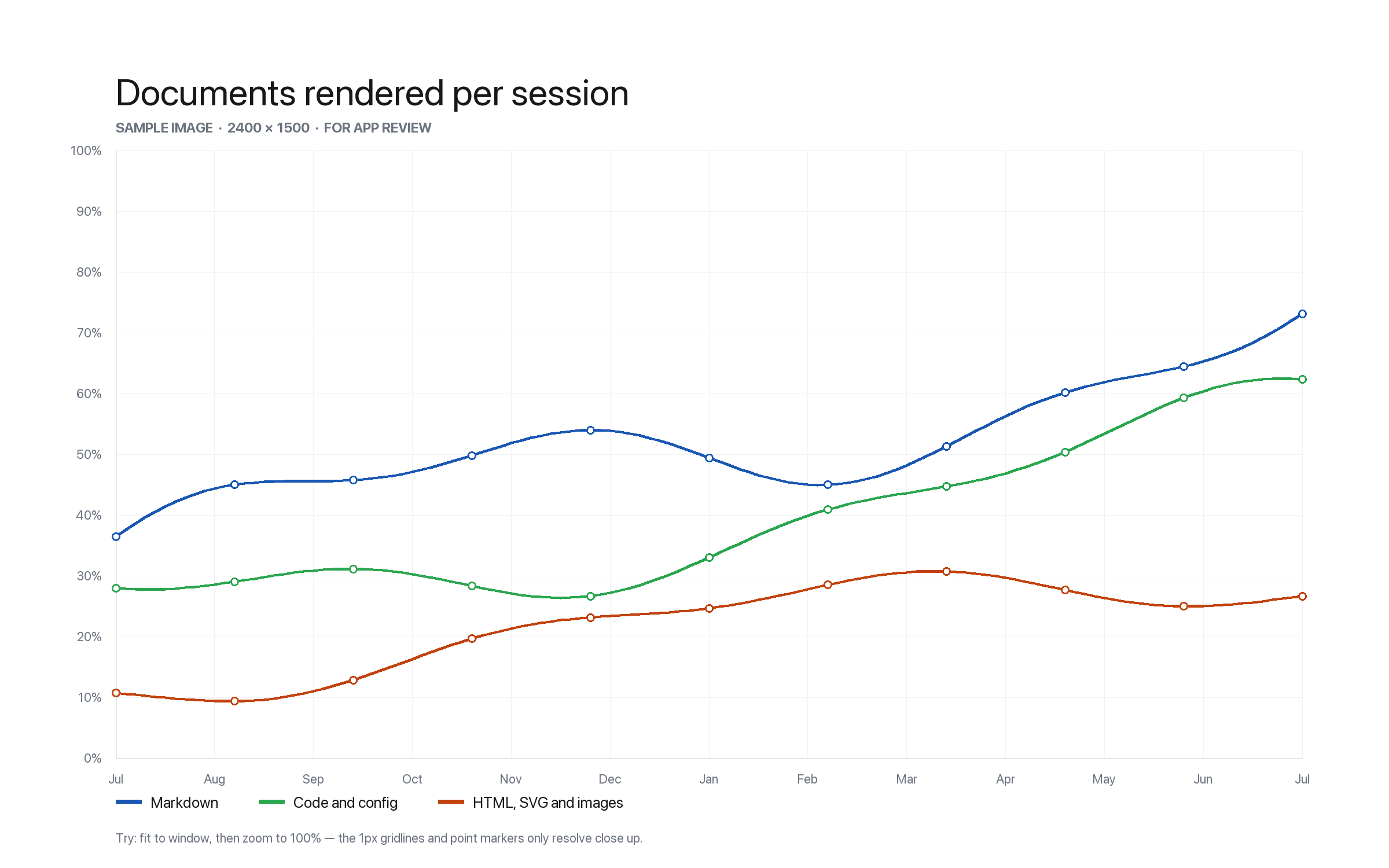
MDStart hereREADME.mdWhat each file below is for, and a suggested five-minute pass through the app.MDMarkdown showcase01-markdown-showcase.mdLive preview, tables with per-column alignment, task lists, footnotes, GitHub alert callouts, nested lists, inline images.MDMath02-math.mdKaTeX inline and display math — integrals, matrices, aligned equations, cases. Also that a bare $5 stays currency.MDMermaid diagrams03-diagrams.mdFlowchart, sequence diagram, Gantt chart, state diagram and pie chart.MDGraphViz diagrams04-graphviz.mdFenced dot and graphviz blocks, including clusters and edge labels.TSTypeScript05-code.tsSyntax highlighting, and the editor underneath it — undo, multi-cursor, bracket matching, list continuation.PYPython06-code.pyA second grammar, to confirm highlighting follows the extension rather than guessing.YAMLYAML config07-config.yamlConfig highlighting — anchors, comments, folded and literal blocks.JSONJSON data08-data.jsonData-file highlighting, nesting, and escaped strings.HTMLHTML page09-page.htmlHTML rendering as a page rather than as markup, and View → Source to see the markup.SVGSVG drawing10-diagram.svgSVG rendering as a drawing, with gradients and markers, plus its source view.PNGImage, 2400 × 150011-image.pngImage viewing with fit and zoom, and the pencil annotation tool. Detailed on purpose — 1px gridlines only resolve at 100%.JSONLAI transcript12-ai-transcript.jsonlAn exported Claude Code conversation, detected and laid out as turns — with the tool calls, tables and math inside it rendered.

A folder, for batch work

Three short documents that live together in batch/. Point batch export at the folder to export all three in one pass, or point the watched-folder Library at it to see them indexed side by side. Both of those are Pro features; everything above is not.

For App Review

MDSyntax has no sign-in and no account system, so nothing here needs credentials. Reading, editing, saving and plain PDF, Word, HTML and PNG export all work with no purchase.

Four features sit behind the in-app purchase com.lippertohana.mdsyntax.prounlock — export templates, batch export, the watched-folder Library, and version history. A Sandbox Tester account unlocks them without a real charge; the badge in Preferences → Licence flips immediately, with no restart.

Everything renders on the machine. Math, diagrams and exports involve no network request at all, and the whole pack can be worked through with the network switched off. The pack's own README.md repeats this and suggests an order to go in.